
Prepare vector and DXF geometry
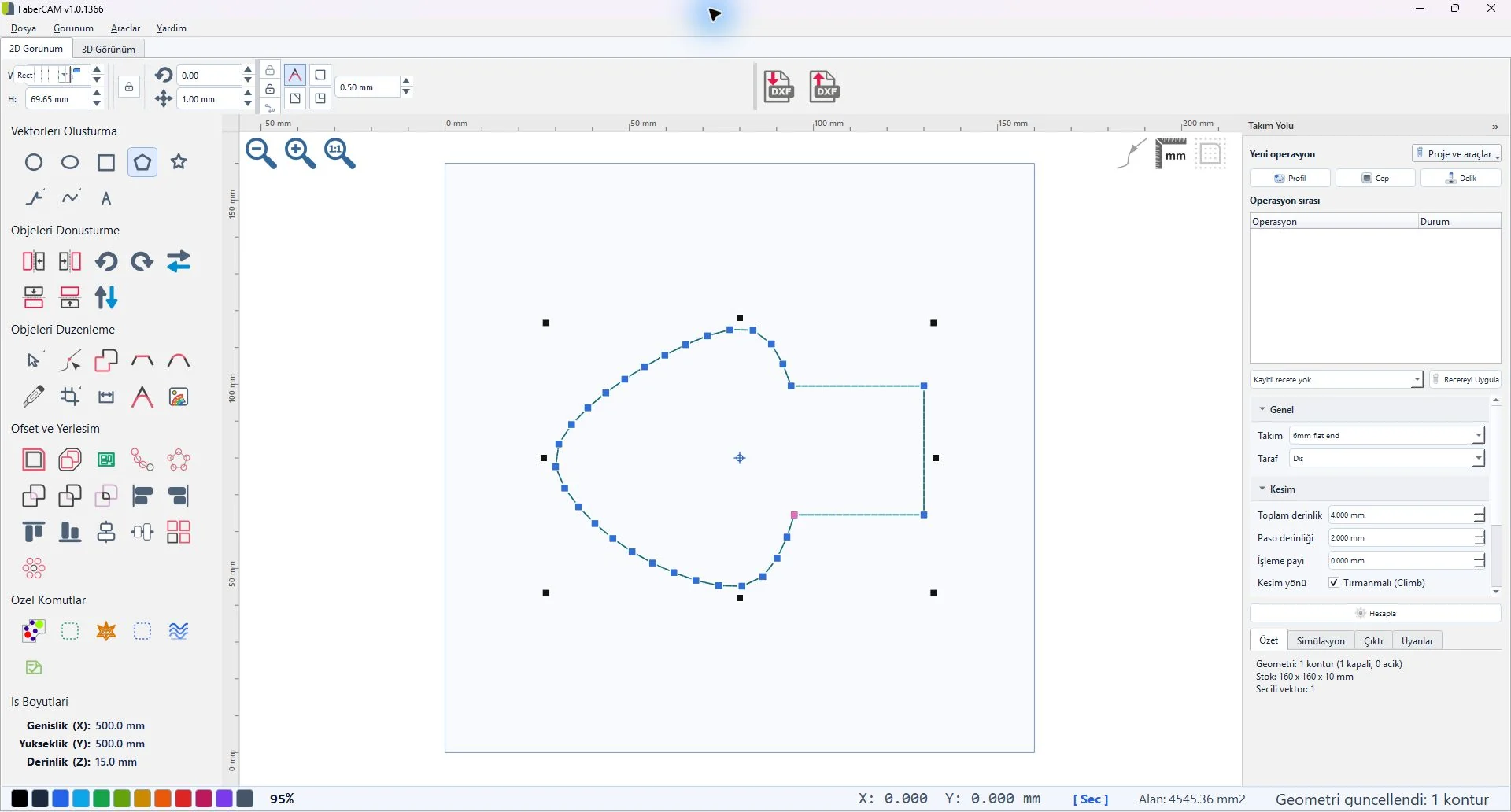
Review drawing preparation, contours, curves, units, and editing workflows.
FABERCAM / BETA PROGRAM
We’re accepting requests from CNC router users and woodworking workshops, from beginners to experienced operators. Share a real workflow, review the current build, and help us focus development on the details that matter in the shop.
Following the account does not submit a request. Submitting a request does not guarantee an invitation or product access.
Checking application availability. Enable JavaScript to load the request form.
WHAT THE PROGRAM COVERS
Beta participants will be invited to review the current build with representative files and return structured feedback.
Review drawing preparation, contours, curves, units, and editing workflows.
Explore profile, pocket, and drill operation setup in the current build.
Evaluate visual operation review before post-processing and machine transfer.
HOW SELECTION WORKS
We’ll look for a range of CNC experience levels, workshop workflows, and practical feedback. Selected applicants will receive a separate invitation with the build scope and participation details.
Answer four short questions about your CNC experience and workshop.
We’ll ask you to confirm the address before a request enters review.
Access is granted separately after selection and acceptance of the program terms.