
Import or create
Start with production geometry or an existing DXF.
FABERCAM / PRODUCT
От векторной геометрии к CNC и проверке в одном процессе.
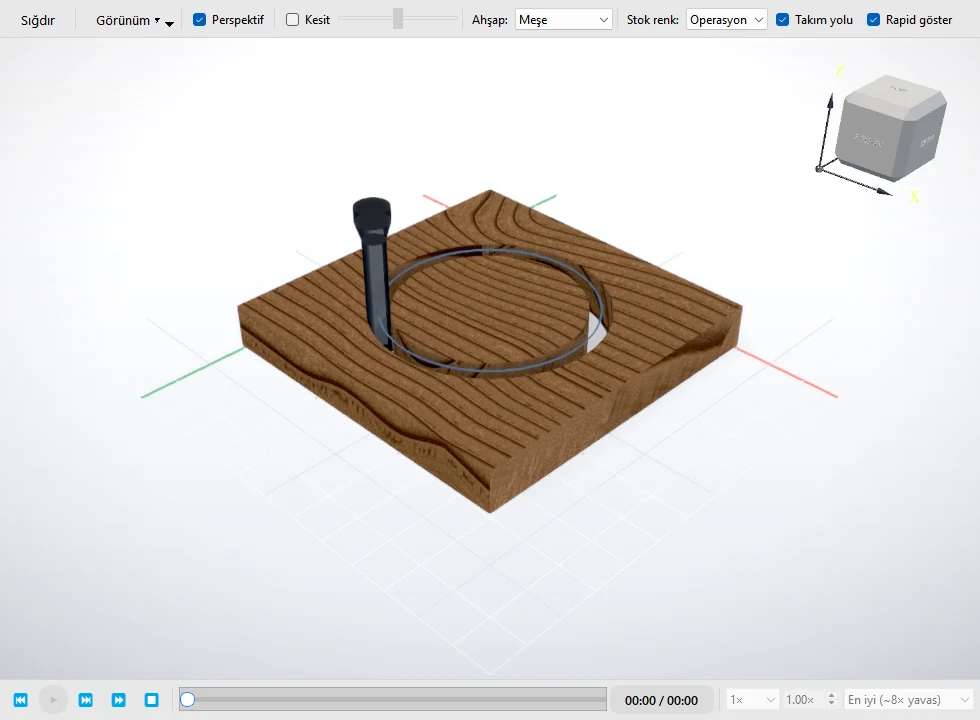
ONE CONTROLLED FLOW
Start with production geometry or an existing DXF.
Repair curves, organize geometry, and define the job.
Create CNC toolpaths with visible operation intent.
Inspect the path and result before production.
Move the prepared job into the downstream workshop workflow.
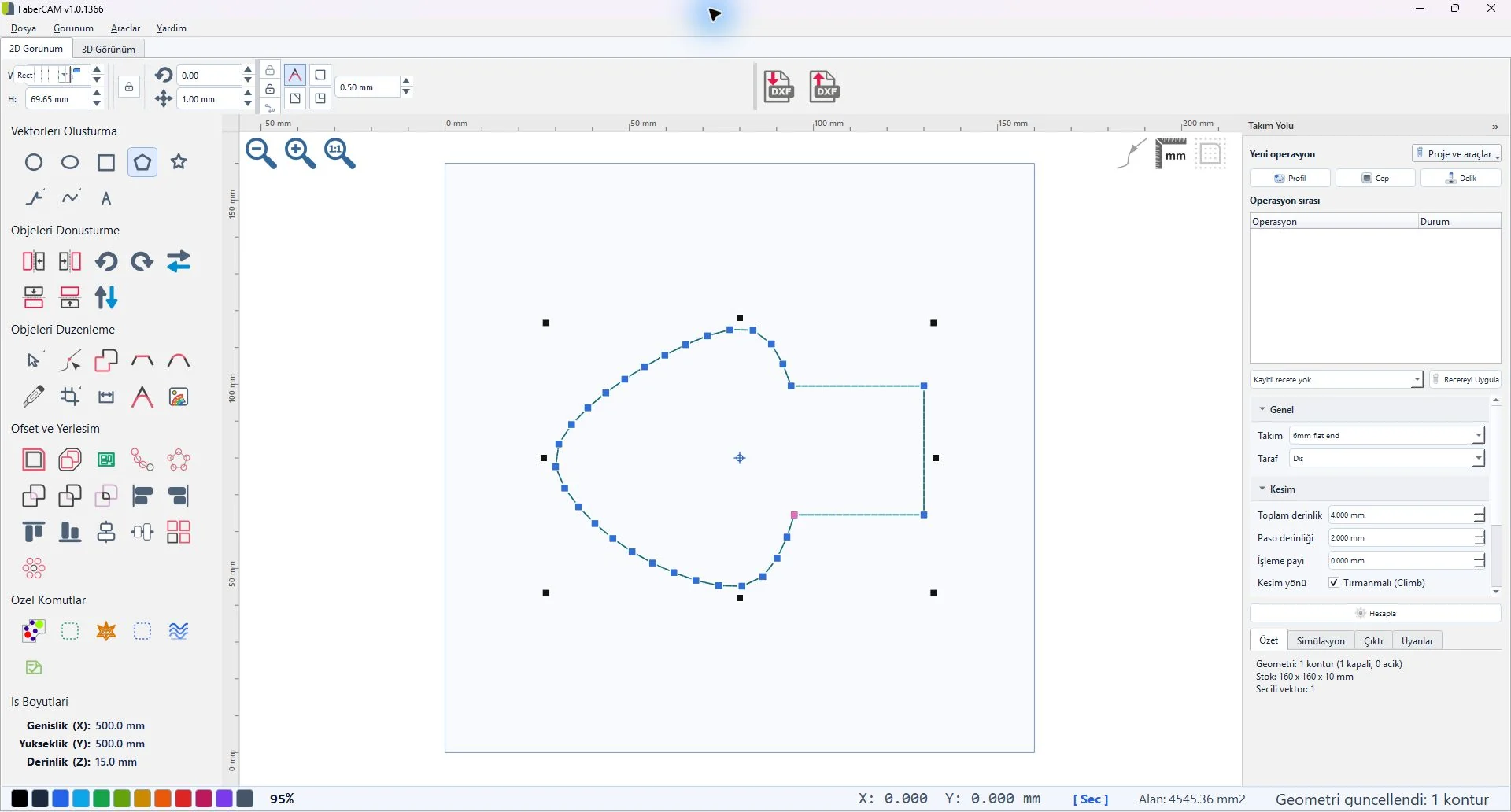
VECTOR CAD
Work with vectors, nodes, curves, dimensions, and contour-repair tools in a focused Windows workspace.
2.5D CAM
Prepare profile, pocket, and drill operations while keeping the source geometry and resulting toolpath in view.
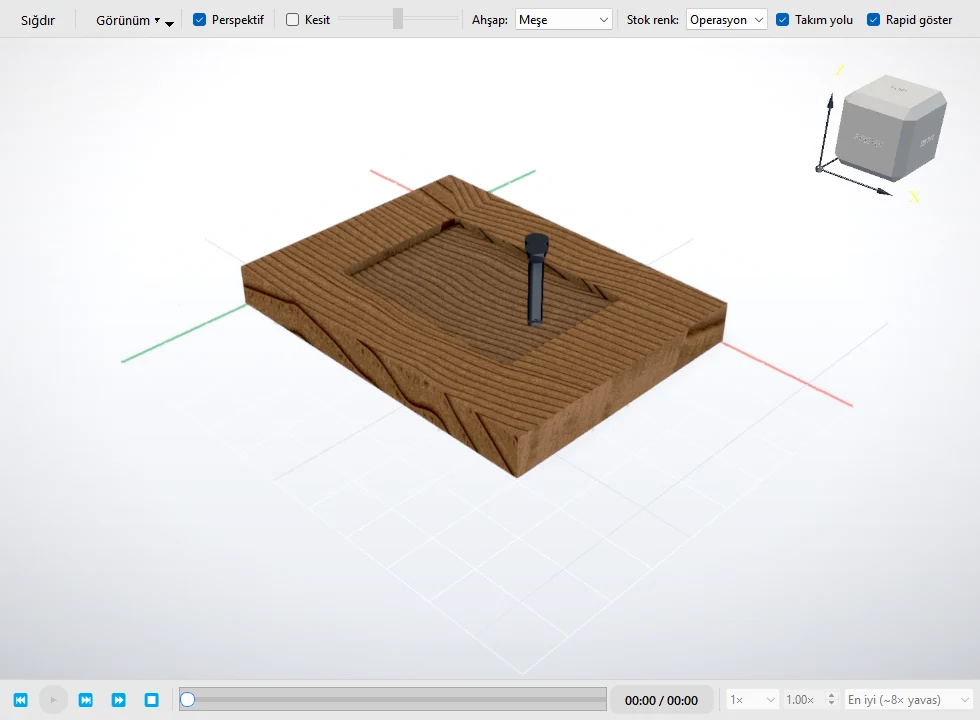
PRE-PRODUCTION REVIEW
Review tool motion and the prepared result in context, so geometry, operation intent, and verification remain connected.