
برنامج CAD/CAM · WINDOWS
EARLY ACCESS / 2.5D SCOPE
من الهندسة إلى الحركة، دون مغادرة سير عملك.
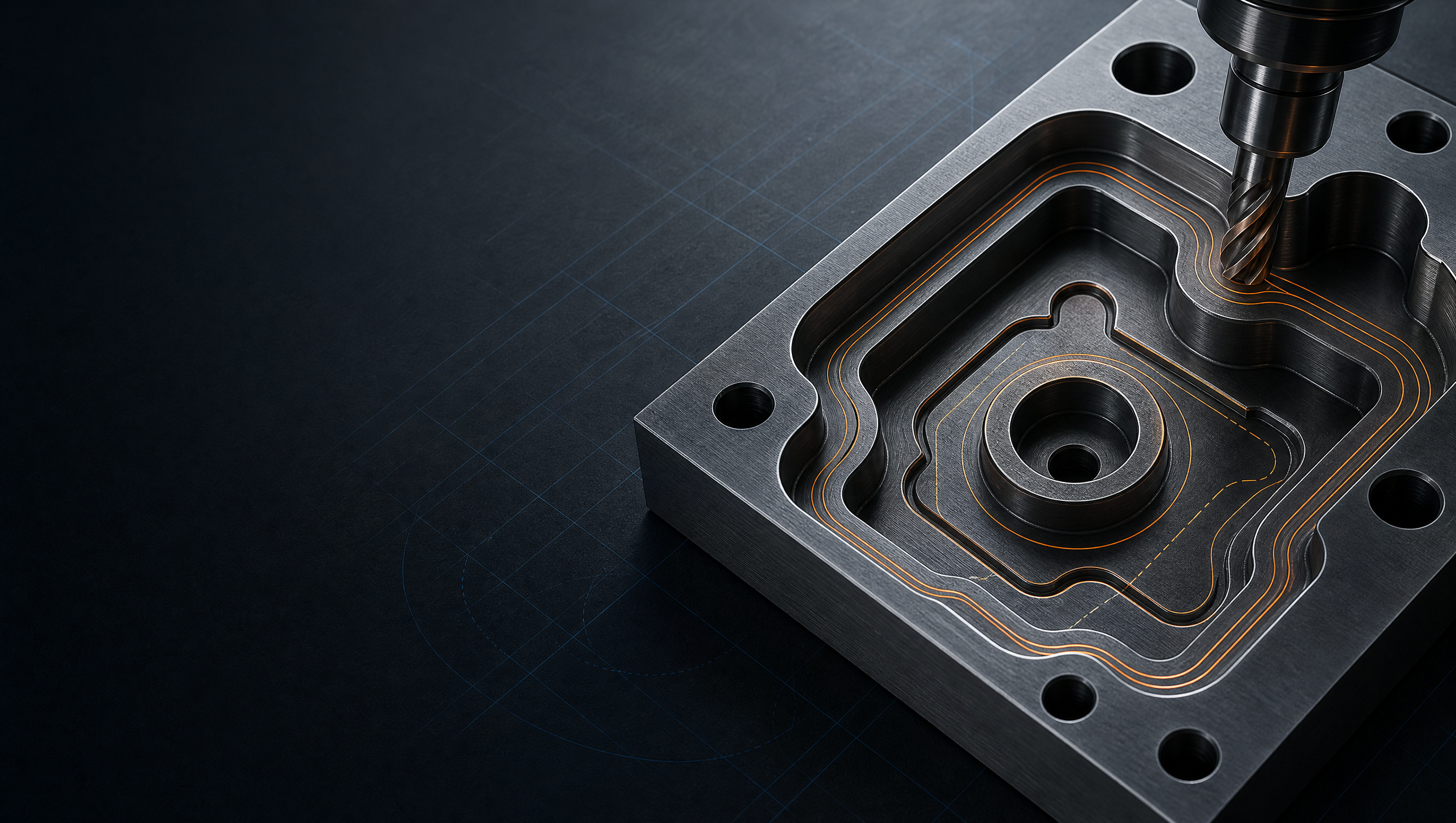
يجمع FaberCAM التصميم المتجهي ومسارات أدوات CNC والتحقق من الإنتاج في مساحة عمل Windows واحدة.
ستُفتح الطلبات بعد ربط الخصوصية والحماية من الروبوتات.
PROOF / 01REAL APPLICATION VIEW
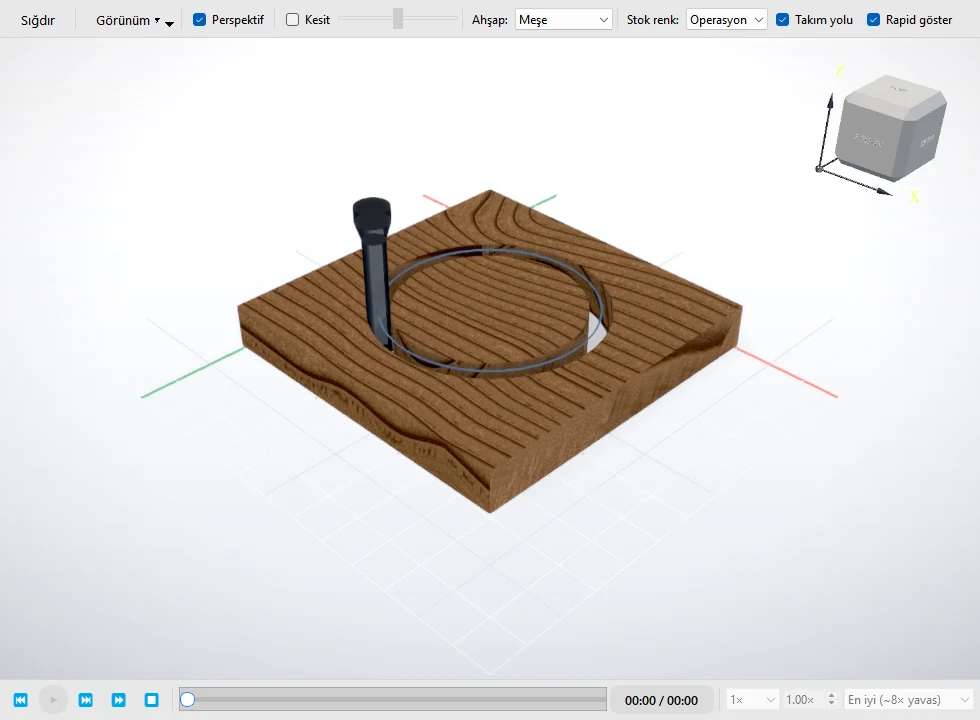
SOURCEAPPLICATION CAPTUREVIEWPROFILESTATUSPREVIEW
01Native Windows desktop
02Vector CAD and node editing
032.5D scope: profile, pocket, drill
04AC1009/R12: release requirement
COMPATIBILITY
Defined scope before workflow change.
FaberCAM focuses on real production files, established workshop workflows, and explicit compatibility boundaries.
Review scope and compatibility- 01Platform
- Native Windows desktop
- 02Design model
- Vector CAD/DXF preparation
- 032.5D CAM
- Profile, pocket, and drill inspection
- 04DXF policy
- AC1009/R12 release requirement
FEWER HANDOFFS
Many CNC issues begin before the machine starts.
Geometry cleanup, file conversion, toolpath setup, and verification often sit in separate tools. Each handoff is another opportunity for broken contours, lost settings, and an unclear production state.
Keep machining intent beside the drawing
Inspect the result before the machine runs
01 / CAD
VECTOR CAD
Edit production geometry directly.
Work with vectors, nodes, curves, dimensions, and contour-repair tools in a focused Windows workspace.
CAD متجهي لهندسة قابلة للتصنيع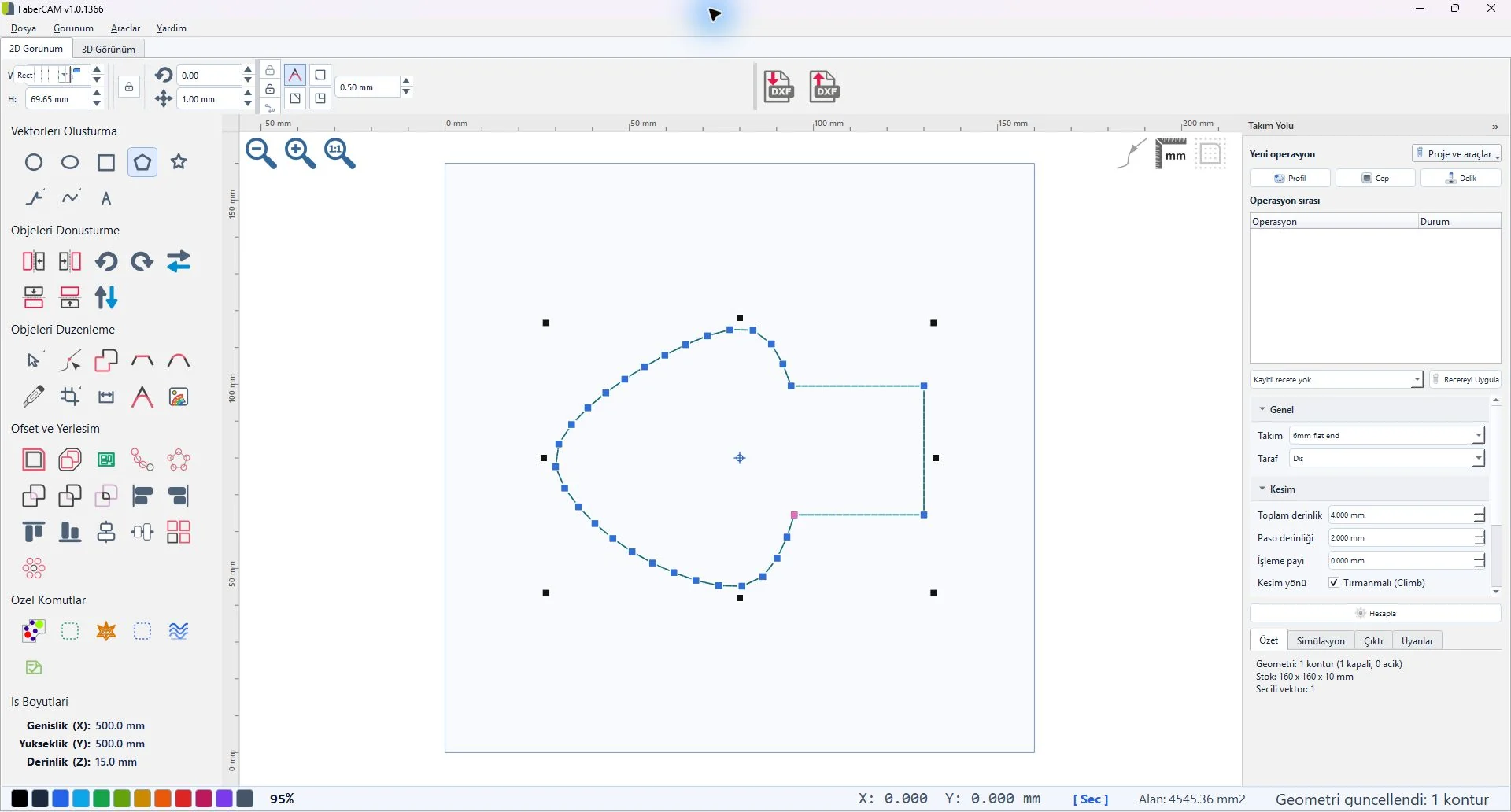
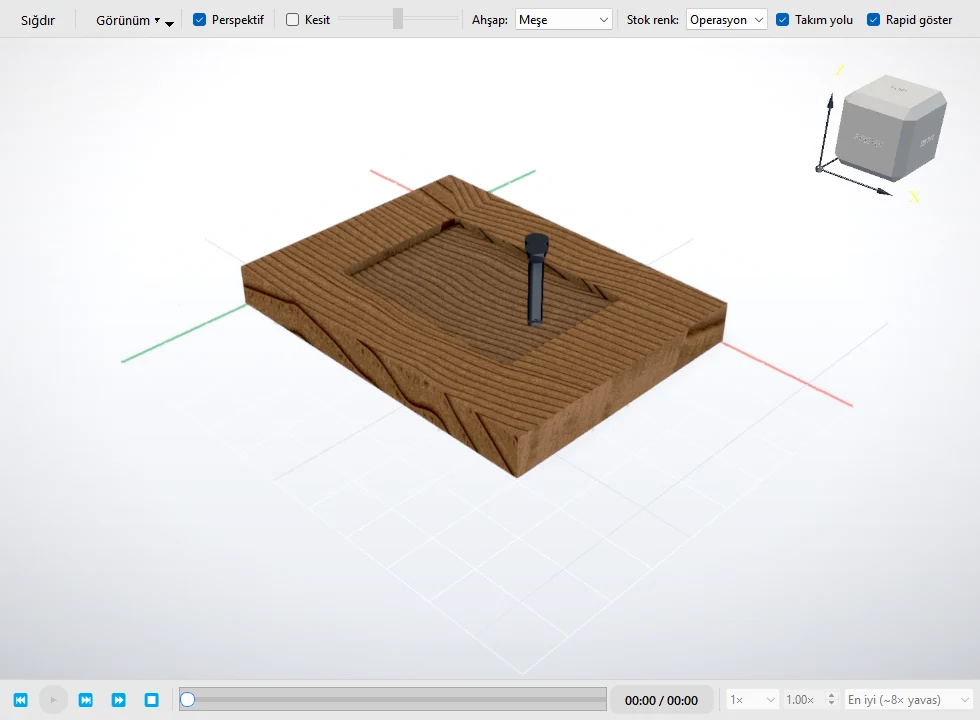
SOURCEAPPLICATION CAPTUREVIEWPOCKETSTATUSPREVIEW
02 / CAM
2.5D CAM
Build operations from the source geometry.
Prepare profile, pocket, and drill operations while keeping the source geometry and resulting toolpath in view.
CAM بنية واضحة وتحقق03 / VERIFY
PRE-PRODUCTION REVIEW
Inspect the toolpath before post-processing.
Review tool motion and the prepared result in context, so geometry, operation intent, and verification remain connected.
سير عمل الليزر والفينيل وراوتر CNCFABERCAM / WORKFLOWCONNECTED
CADCAMVERIFY
ONE CONTROLLED FLOW
From source geometry to an inspected toolpath.
Import or create
Start with production geometry or an existing DXF.
Prepare
Repair curves, organize geometry, and define the job.
Generate
Create CNC toolpaths with visible operation intent.
Verify
Inspect the path and result before production.
Export
Move the prepared job into the downstream workshop workflow.
COMPATIBILITY
Defined scope before workflow change.
FaberCAM focuses on real production files, established workshop workflows, and explicit compatibility boundaries.
- Platform
- Native Windows desktop
- Design model
- Vector CAD/DXF preparation
- 2.5D CAM
- Profile, pocket, and drill inspection
- DXF policy
- AC1009/R12 release requirement
LEARN & SUPPORT
Know what fits before you change your workflow.
Review compatibility, system guidance, and early-access boundaries before deciding where FaberCAM belongs in your workshop.