Draw or import
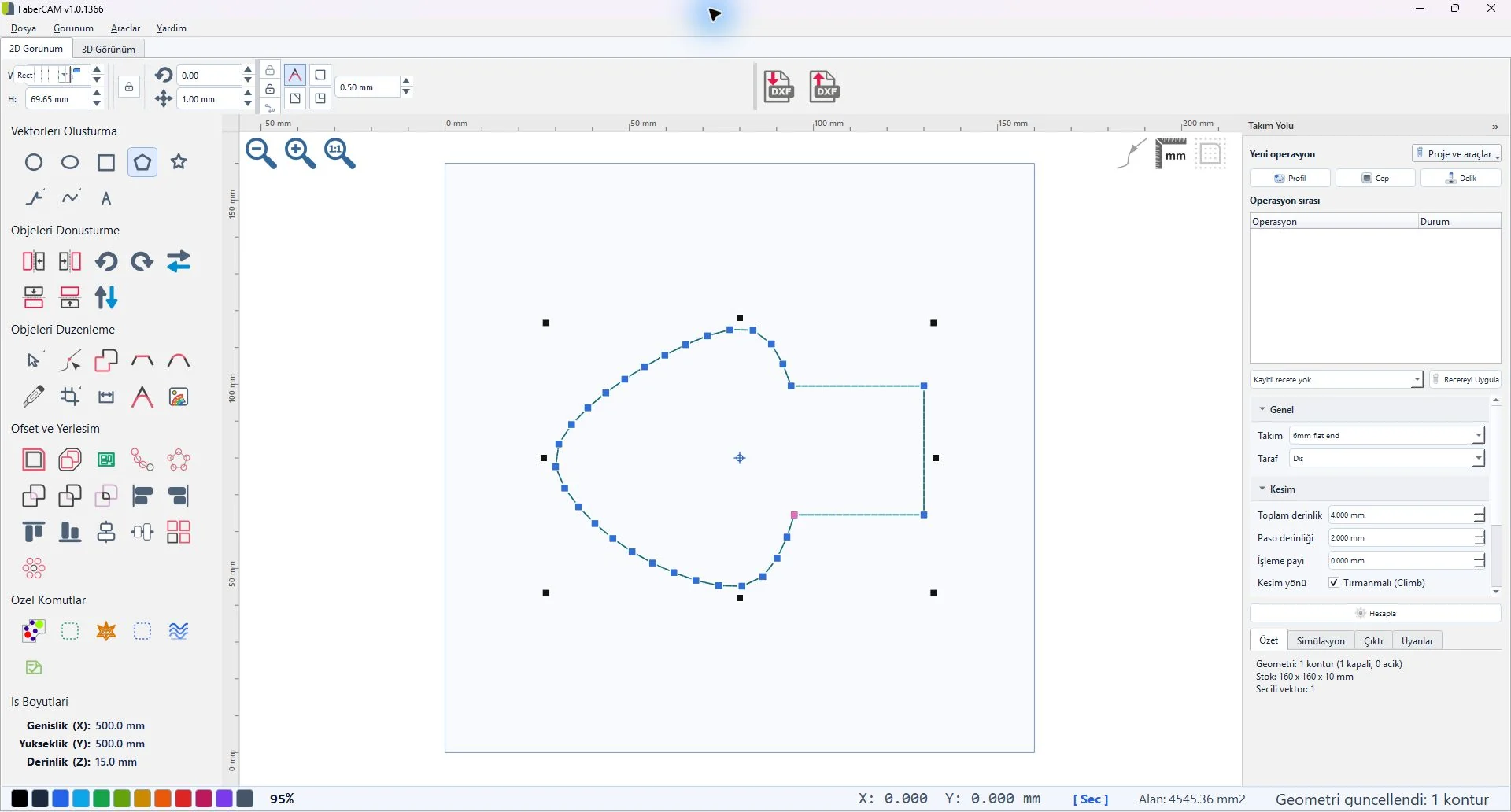
Create lines, rectangles, ellipses, circles, polygons, stars, text, splines, arcs and dimensions—or begin with an existing DXF.
FABERCAM / CAD
حرّر المنحنيات والعُقد التي ستصبح حركة ماكينة.
VECTOR CAD
Work with vectors, nodes, curves, dimensions, and contour-repair tools in a focused Windows workspace.
CAD CAPABILITIES
Each step works on the vector model; capability scope is assessed against the current early-access build and the structure of each file.
Create lines, rectangles, ellipses, circles, polygons, stars, text, splines, arcs and dimensions—or begin with an existing DXF.
Work with visible topology nodes, Bézier knots and curve controls; split, join, reverse or close paths from the editing model.
Validate and clean vectors, round or chamfer corners, and use trim, union, intersection and offset tools.
Select a Corel-compatible, CAM-safe, legacy AC1009 or round-trip export profile for the downstream workflow.
DXF compatibility is a product requirement; critical production files still need validation in your own round-trip and machine workflow.